
Open source // Animation
AnimaSync
A lightweight tool for 2D animation lip-sync, focused on frame control and a simple workflow for audio, preview, and export.
01 // SectionAnimaSync
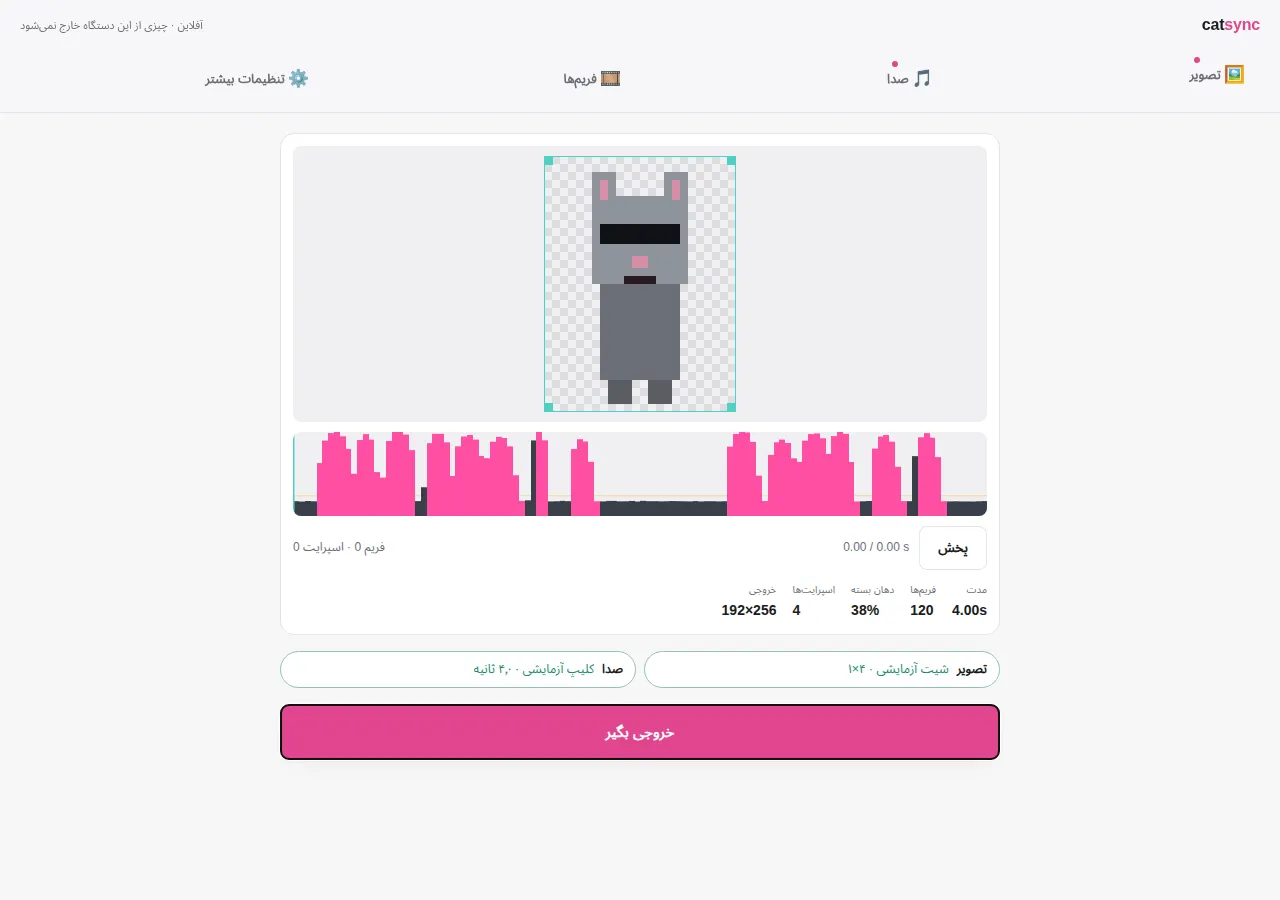
AnimaSync is a lightweight web-based tool for creating lip-synced 2D animations from sprite-based frames and audio.
The project started from a practical problem: creating short frame-by-frame animations and synchronizing a character's mouth with dialogue, without relying on heavy animation software or AI services that require a new generation for every small dialogue change.
02 // SectionThe Problem
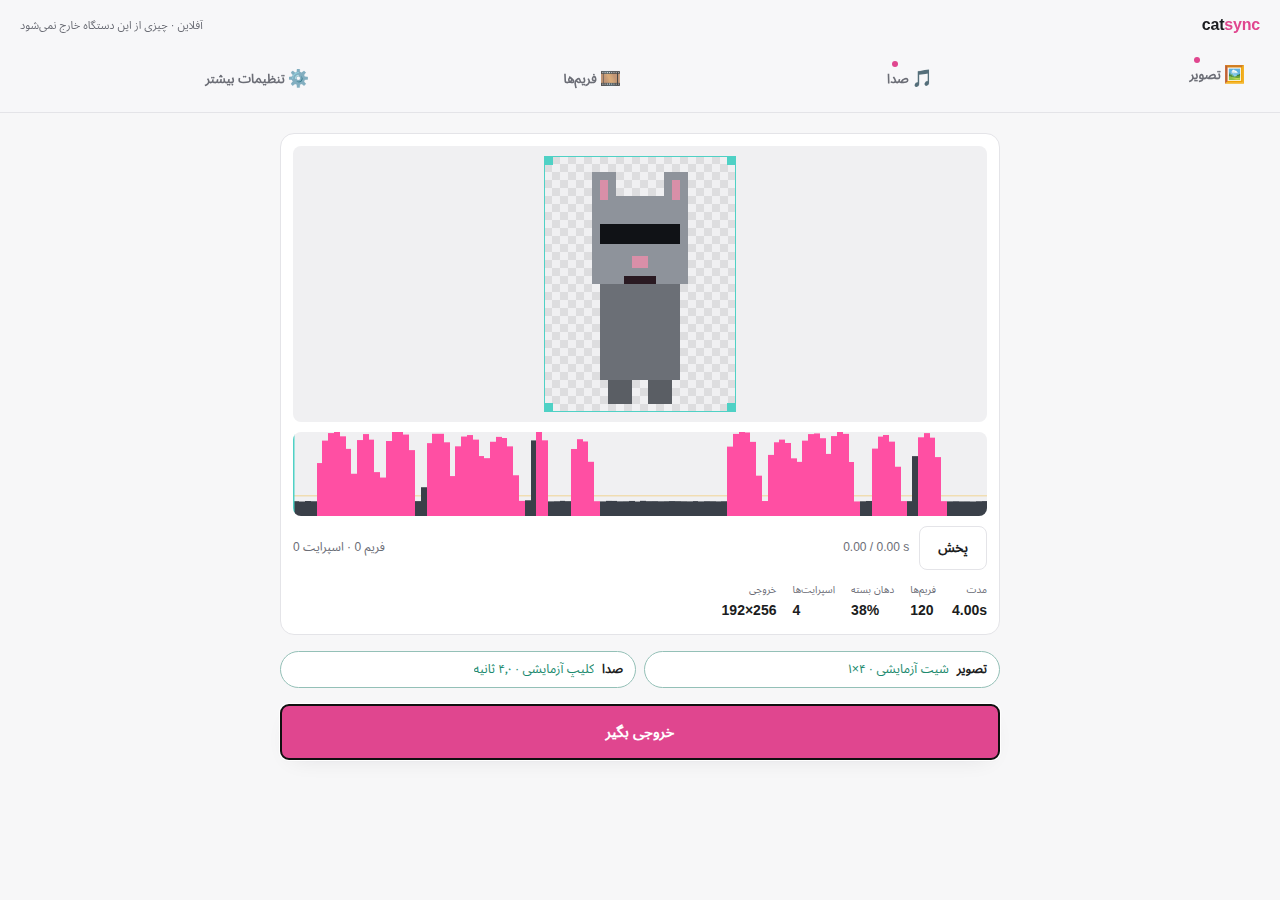
In a simple frame-by-frame workflow, a character can have several predefined mouth shapes, each represented as an individual frame. During playback, those frames can be switched according to the audio.
I initially used CatSync, a tool built around a straightforward idea:
Sprite Sheet + Audio → Lip-Synced Animation
The problem was in the slicing workflow. The default sprite-sheet slicing did not always match the actual boundaries of the frames I had designed. As a result, frames could shift during playback and the animation would no longer be properly aligned.
The temporary workaround was to export each dialogue and fix the resulting movement in a video editor using stabilization.
That worked, but it was not a reasonable workflow to repeat for every dialogue.
Instead of fixing the output manually, I decided to fix the tool itself.
03 // SectionFrom CatSync to AnimaSync
AnimaSync started as a fork of CatSync, but the goal goes beyond changing a few UI elements.
The project focuses on making the entire workflow easier to understand and more controllable:
- Add a sprite sheet
- Add audio
- Configure the frames
- Preview the animation
- Export the result
More technical controls are kept inside an Advanced section so they remain available without making the primary workflow unnecessarily complex.
04 // SectionFeatures
- Sprite-sheet based animation
- Independent frame boundaries and cropping
- Audio-driven lip synchronization
- Live animation preview
- Audio analysis controls
- FPS and frame timing controls
- Advanced slicing and alignment tools
- Onion/ghost preview
- Viewport controls
- Live mode
- PNG and WebM export
- Responsive desktop and mobile interface
- Persian / RTL interface
- Browser-based workflow with no specialized animation software required
05 // SectionWhy AnimaSync?
AnimaSync is not intended to replace professional animation software.
It is designed around a much narrower problem:
You already have the frames. You have the dialogue. You want to turn them into a synchronized animation without building an unnecessarily complicated pipeline.
The redesigned workflow follows a progressive-disclosure approach. The essential path stays simple, while advanced users can still access detailed controls when they need them.
This keeps the tool approachable without removing control.
06 // SectionProject Status
AnimaSync has been released as an open-source project and is publicly available.
The project started as a fork of CatSync and has been redesigned around a simpler workflow, more precise frame control, and a cleaner user experience.
Development will continue with improvements and additional features based on real-world use.
07 // SectionTechnology
The original CatSync application was a lightweight, standalone browser application built with JavaScript. AnimaSync keeps the same general client-side philosophy while its architecture is being redesigned for easier future development.
The current direction is to separate application state, core animation logic, and UI concerns so that new features can be added without making the workflow increasingly difficult to maintain.
AnimaSync is built to shorten the distance between prepared animation frames and a playable, synchronized animation.
08 // SectionCredits & License
AnimaSync is a fork of CatSync and remains licensed under the MIT License.
Developer: Setayesh Soheili Project type: Open Source / Web Tool Domain: 2D Animation · Sprite Animation · Lip Sync